



EGM96
egm96_15.gtxA compact global grid with 15-arcminute spacing.
- Grid spacing
- 15′
- Coverage
- Global
Download GTXGTX · 4.15 MB
Software, geoid models and AutoTags. The resources you need, from field capture to office deliverables.
01 / Desktop software
ROLAVIGeoStudio · 1.0.1
PPK, static GNSS and Stop & Go; photo and drone geotagging; and AR files for ROLAVICam and ROLAVIScan.
Try all features free for 7 days.
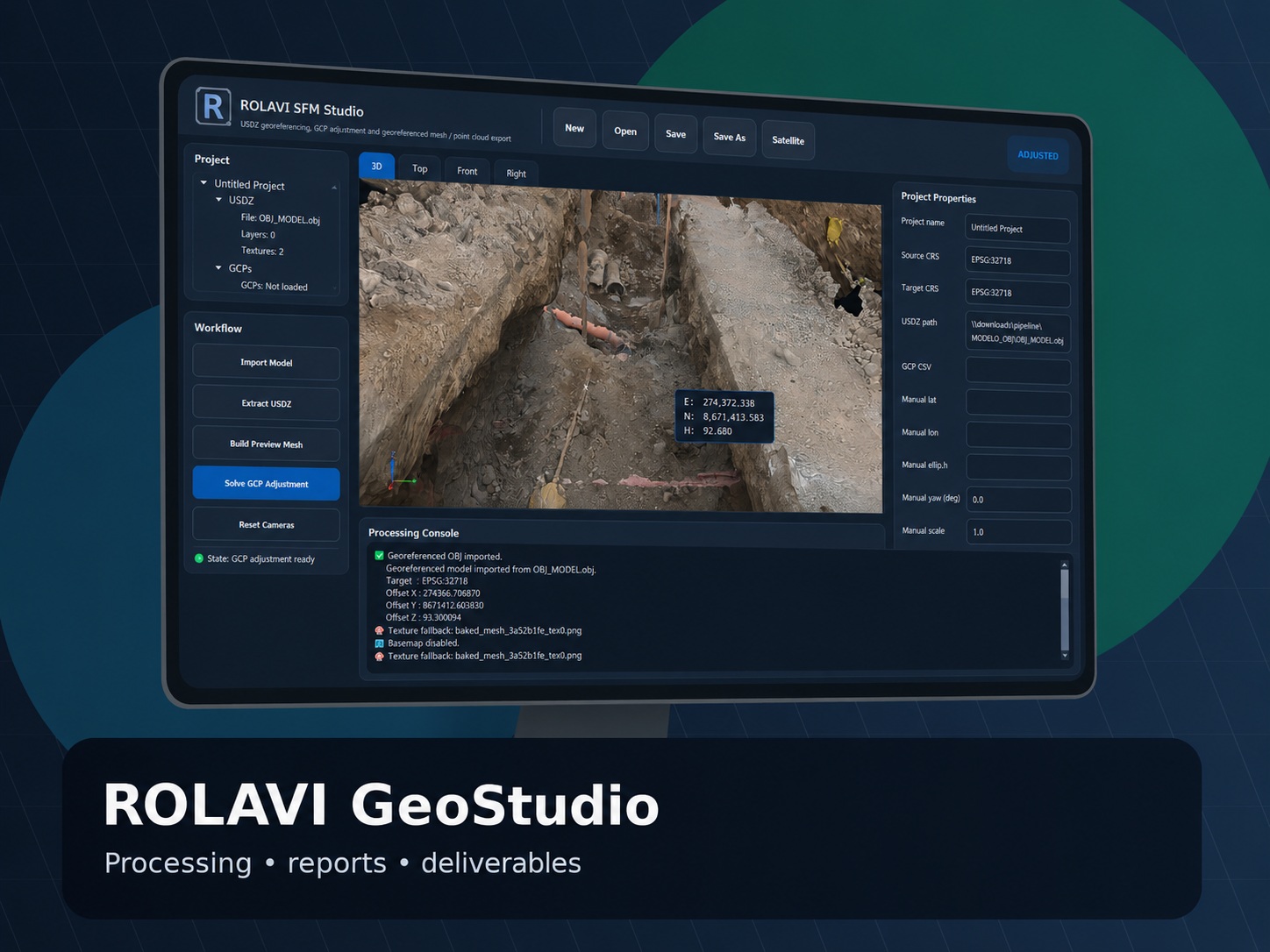
02 / Height reference
A GTX geoid file contains a grid of geoid undulation values (N). It lets compatible software convert GNSS ellipsoidal heights (h) to orthometric heights (H), according to the selected model.
Height conversion
H = h − NA compact global grid with 15-arcminute spacing.
A denser global grid with 2.5-arcminute spacing.
Grid spacing is not a measure of vertical accuracy. Select the reference model required by your project and use it consistently across your applications.
03 / Field resources
ROLAVI AutoTags
Your ROLAVI AutoTags in a single PDF: coded markers numbered 1 to 55, with one marker per A4 page and space for notes.
PDF · 97.7 KB
Print at actual size (100%) on A4 paper and keep the entire marker visible.

Find guidance in the manuals or contact the ROLAVI team.