



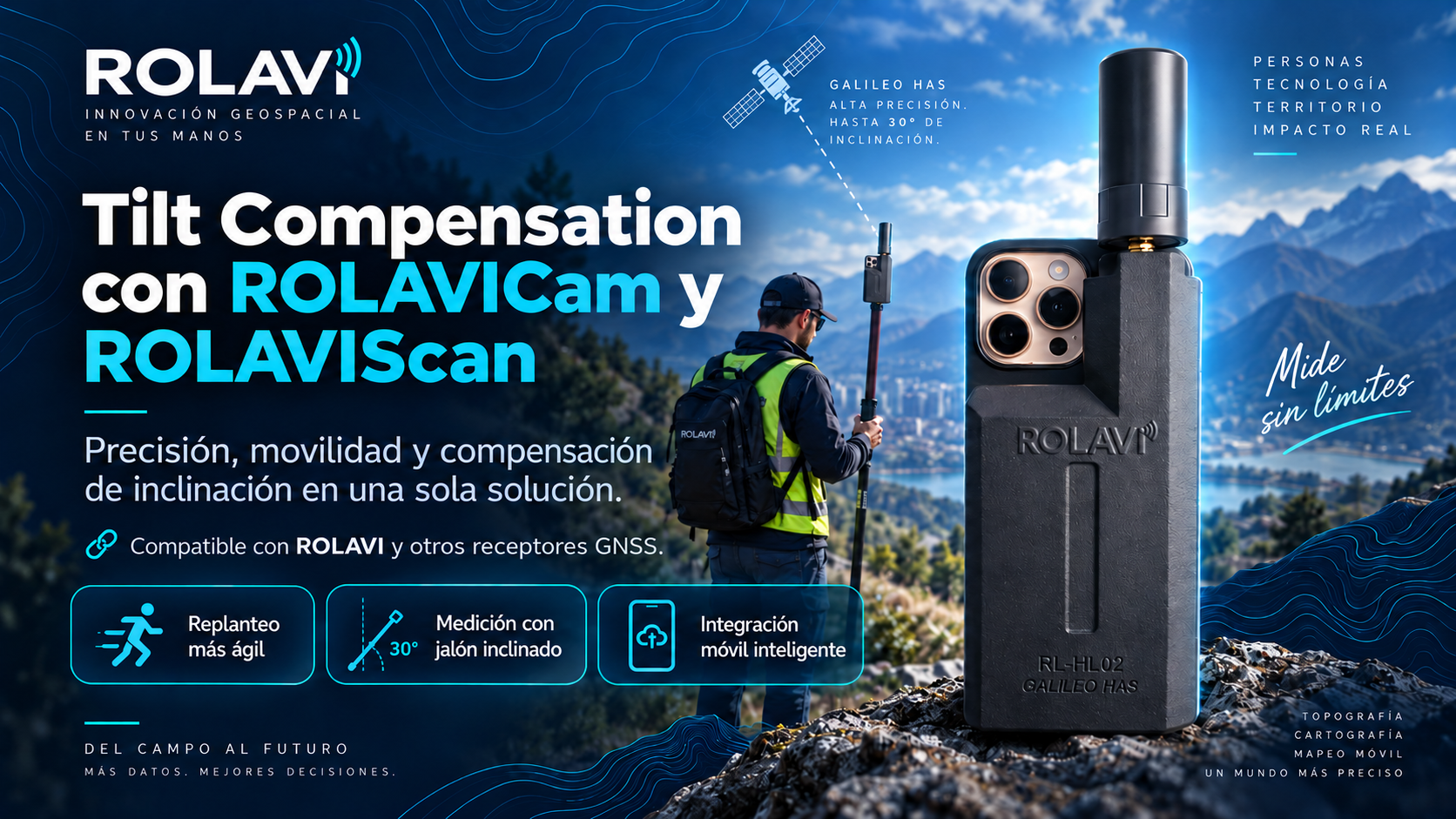
Tilt Compensation calculates the position of the pole tip when the pole is inclined. It combines GNSS coordinates, phone orientation and the configured height, making it easier to reach points beside walls, fences and other obstacles.
How does it work?
When the pole tilts, the antenna is no longer directly above the point. The application calculates that offset and subtracts it from the GNSS position to obtain the position of the tip.
The phone must be rigidly attached to the pole. A good RTK solution helps positioning, but you also need the correct height and a stable calibration.
Setup in 4 steps
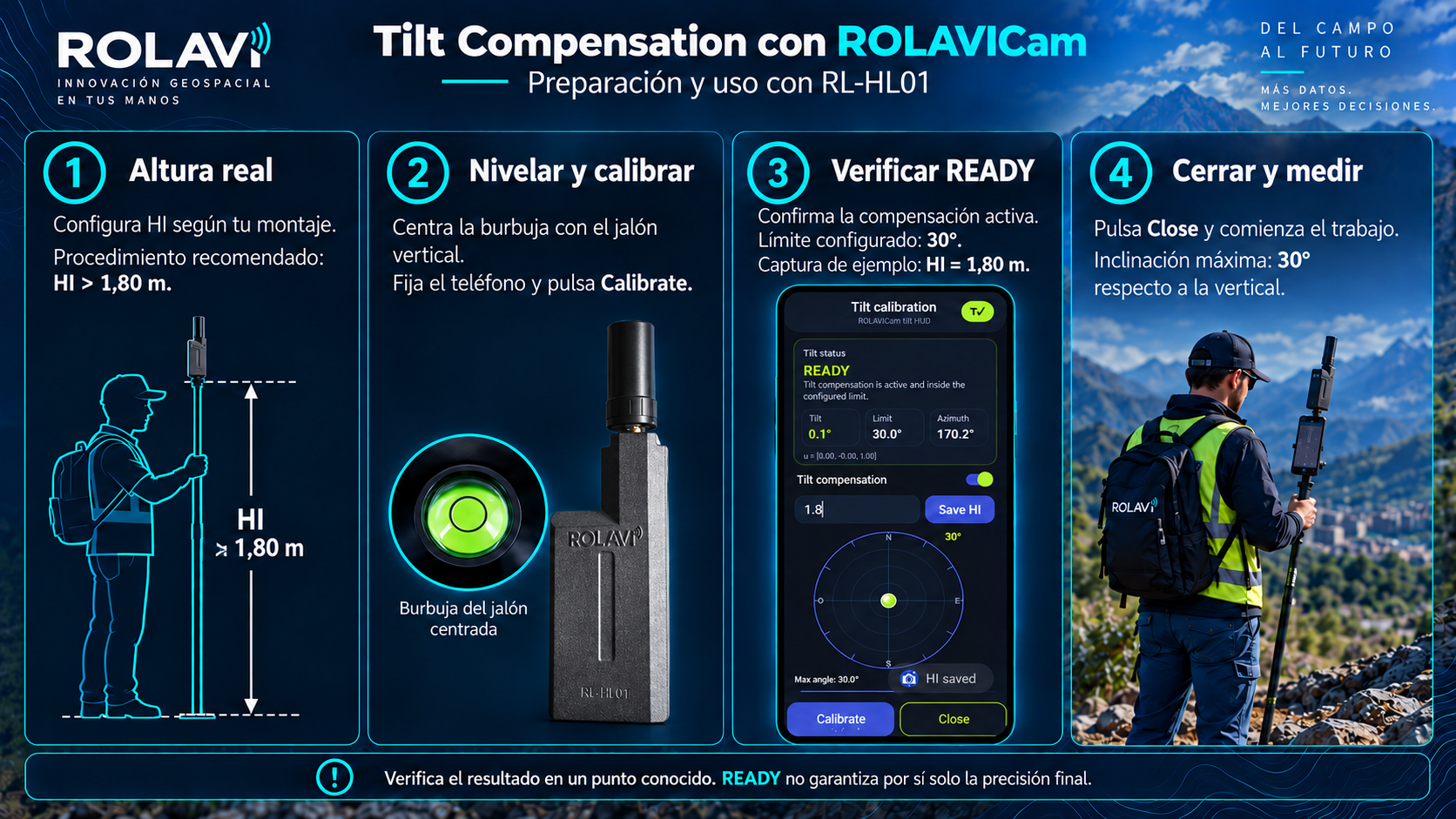
- Enter the actual height (HI). Use the height reference specified for your equipment and avoid applying the same offset twice. This setup recommends a height above 1.80 m; always enter the value you actually measured.
- Level and calibrate. Center the bubble, keep the assembly still, open Tilt Calibration, press Save HI, then Calibrate.
- Check the settings. Check the READY status and the 30° limit. Select Close to return to surveying.
- Verify before measuring. Compare a known point with the pole vertical and tilted. Recalibrate if you change the position of the phone or mount.
The calibration screen
Save HI stores the height; Calibrate sets the reference; Close returns to fieldwork. The screenshot shows HI = 1.80 m as an example: use the actual height of your setup.
Open full-size image ↗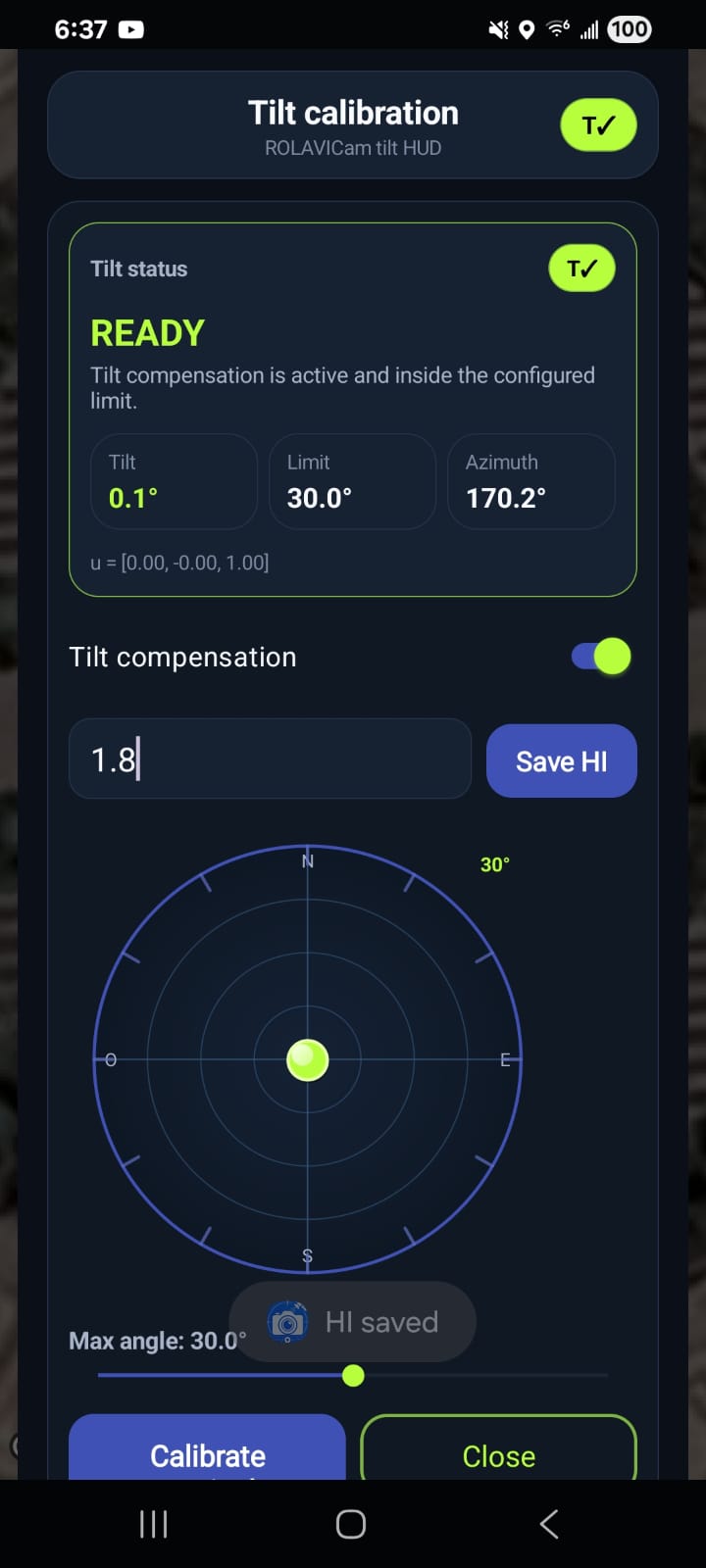
What is corrected at 30°?
With 2 m between the tip and GNSS reference, a 30° tilt moves the antenna 1 m horizontally. That is the displacement compensation aims to correct; it is not the final point accuracy.
Explore the effect of tilt
Illustrative geometry with L = 2 m. This is the displacement before compensation, not the residual error of the system. The slider does not represent an accuracy specification.
Correction and estimated error by angle
The second column shows the displacement being corrected. The third shows the error that could remain in a calculation example, using the assumptions below.
| Tilt angle | Horizontal correction | Estimated error* |
|---|---|---|
| 2° | 7.0 cm | ≈ 2.7 cm |
| 5° | 17.4 cm | ≈ 2.7 cm |
| 10° | 34.7 cm | ≈ 2.7 cm |
| 15° | 51.8 cm | ≈ 2.8 cm |
| 20° | 68.4 cm | ≈ 2.9 cm |
| 25° | 84.5 cm | ≈ 3.0 cm |
| 30° | 100.0 cm | ≈ 3.1 cm |
*Theoretical example: standard uncertainties of 0.5° in tilt, 1° in heading and 0.5 cm in length; GNSS contribution of 2 cm horizontal RMS. The result is an estimated horizontal RMS error, not a guaranteed maximum or measured accuracy of the phone, receiver or application. It does not estimate vertical error. Combination method ↗
At 30°: the horizontal correction is 1 m. In this example, the remaining horizontal error is approximately 3.1 cm. This is an illustrative estimate; actual error may be higher.
How to check it in the field
Measure a point with known coordinates several times, first with the pole vertical, then at different angles and headings. Compare the differences using the same phone, receiver and working height.
READY is an operating status, not an accuracy figure in centimeters. Also check that fresh data is arriving and compensation is applied to the measurement. If results are inconsistent, level the pole and review the setup before continuing.
This workflow is intended for ROLAVICam and ROLAVIScan, with ROLAVI receivers and other compatible GNSS equipment. Availability and behavior depend on the application, phone and configuration in use.